
Businesses and office professionals often store valuable contact information across hundreds of documents, spreadsheets, presentations and PDF files.
Customer email addresses, business phone numbers, mobile numbers and fax numbers may be scattered across different files and folders. Finding and collecting this information manually can take hours, especially when working with large document collections.
Imagine having 500 Word documents, 200 Excel spreadsheets and dozens of PDF files containing contact information. Opening each file individually and copying email addresses and phone numbers into a separate spreadsheet is not an efficient approach.
This is where Extract Email Addresses and Phone Numbers from Files software can help.
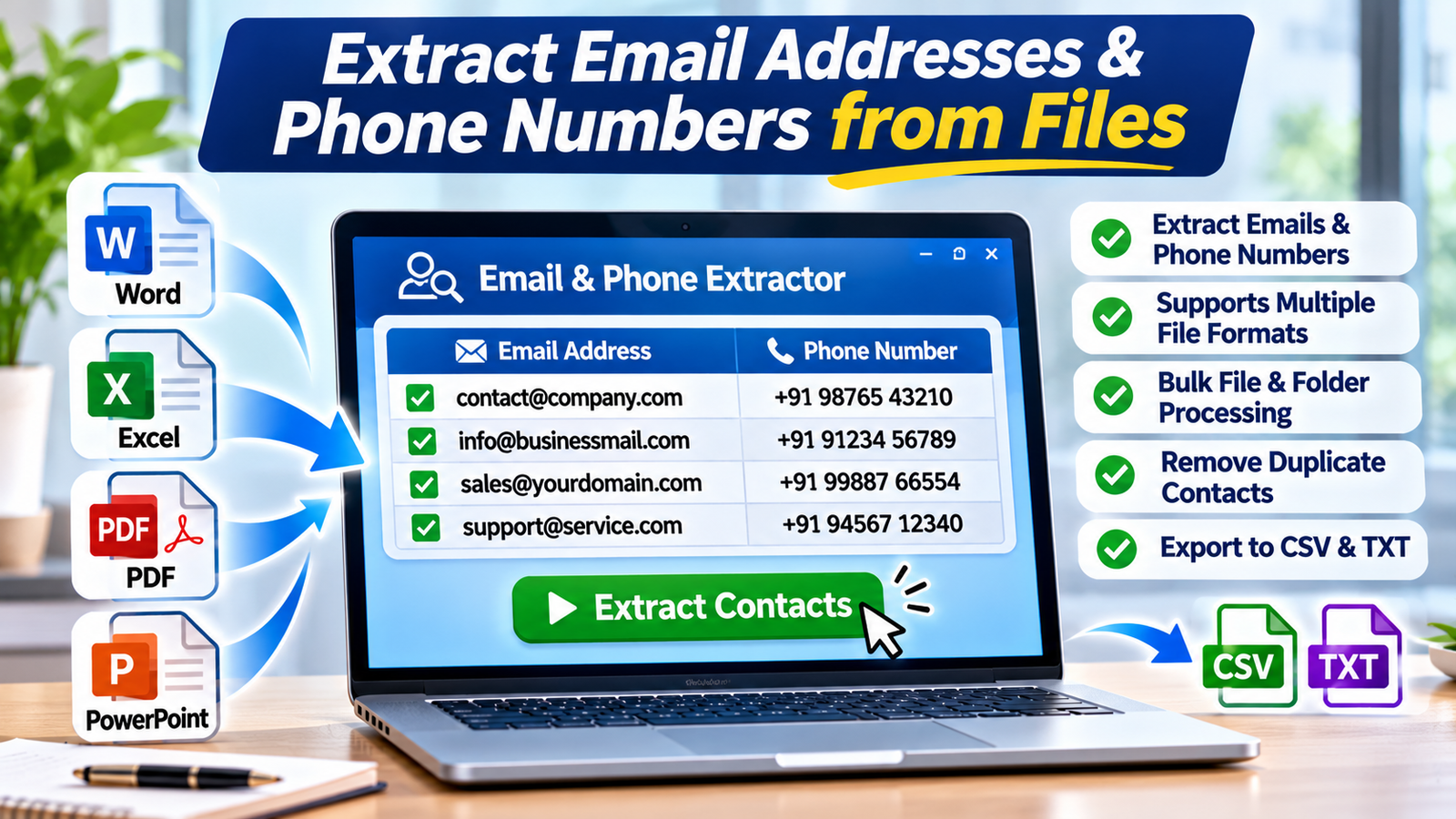
Specialized contact extraction tools can scan multiple supported documents, identify email addresses and phone numbers, remove duplicate entries and save the extracted information in convenient formats such as CSV and TXT.
In this guide, we will explain how to extract email addresses and phone numbers from Word, Excel, PDF and other file formats, why automated extraction is useful, and which software tools from Technocom Solutions can simplify the process.
What Is Email and Phone Number Extraction Software?
Email and phone number extraction software is a utility designed to identify and collect contact information stored inside supported digital files.
Instead of opening documents individually, users can select multiple files or folders and process them through a dedicated application.
Depending on the software, extracted information may include:
- Email addresses.
- Business phone numbers.
- Mobile numbers.
- Fax numbers.
The collected information can then be filtered, organized and exported into formats that are easier to manage.
These tools are particularly useful for businesses, administrative teams, researchers and professionals who need to organize contact information from documents they own or are authorized to process.
Why Extract Email Addresses and Phone Numbers from Files?
Contact information is often stored in different formats and locations. Extracting it manually can become difficult when dealing with large collections of documents.
Here are some common reasons to use file-based contact extraction software.
1. Save Time on Manual Data Collection
Suppose your company has hundreds of customer documents containing email addresses and phone numbers.
Searching through every document manually can consume considerable time.
Automated extraction tools can scan multiple supported files and collect matching contact details in a single workflow.
2. Organize Business Contact Information
Businesses often maintain customer records, vendor details, supplier information and partner contacts in Word and Excel documents.
Extracting contact information can help create a more organized contact database.
3. Extract Emails from Excel Spreadsheets
Excel files frequently contain customer lists, supplier records, employee information and business contact details.
A dedicated email extractor can identify email addresses across supported Excel workbooks and save the results separately.
4. Find Contact Information in PDF Documents
PDF files are commonly used for invoices, reports, business directories, company profiles and other records.
Searching through multiple PDFs manually can be inconvenient.
A compatible file extraction utility can identify email addresses and phone numbers in supported PDF files.
5. Remove Duplicate Contact Entries
The same email address or phone number may appear in several documents.
Duplicate removal helps create cleaner contact lists and reduces unnecessary repetition.
6. Export Data for Further Processing
After extraction, users may need to organize contact information in Excel or another database application.
Saving the results as CSV or TXT files makes it easier to review, sort and manage the collected information.
Which File Formats Can You Use to Extract Email Addresses?
The supported file formats depend on the extraction software.
Technocom Solutions’ Email Extractor Files supports several document and spreadsheet formats, including:
| File Category | Supported Formats |
|---|---|
| Microsoft Word | DOC, DOCX, DOT, DOTM, DOCM, DOTX, RTF |
| Microsoft Excel | XLS, XLSX, XLSM, XLTX, XLT, XLA |
| PowerPoint | PPT, PPTX, POT, POTM, PPTM, PPSM, PPSX |
| Text files | TXT |
| Web and markup files | XML, HTML |
| Other formats | WPS and additional listed formats |
The exact format support may vary by software version.
For scanned documents that contain images rather than selectable text, check whether OCR functionality is available before expecting text extraction.
How to Extract Email Addresses from Word, Excel and PDF Files
If you regularly work with multiple documents, dedicated email extraction software can simplify the process.
Here is a general workflow using Email Extractor Files from Technocom Solutions.
Step 1: Install and Open the Software
Download Email Extractor Files from the official Technocom Solutions website.
Install the application on your Windows computer and launch it.
Step 2: Add Individual Files
Select the documents from which you want to extract email addresses.
You can add supported Word, Excel, PDF, PowerPoint and text files.
Step 3: Add an Entire Folder
If your contact information is distributed across multiple documents, use the folder selection option.
This makes it easier to process a collection of supported files without adding each document individually.
Step 4: Start Email Extraction
After selecting the files, click the Start Extracting option.
The software scans the selected documents and identifies matching email addresses.
Step 5: Filter Extracted Email Addresses
Review the extracted results and use the available filtering options to remove unwanted or irrelevant entries.
The software also provides duplicate-removal functionality.
Step 6: Save the Results
Save the extracted email addresses in CSV or TXT format.
CSV files can be opened in Microsoft Excel and other compatible applications for further organization.
How to Extract Phone Numbers from Word, Excel and PDF Files
Phone numbers are another important type of business contact information.
Companies may store mobile numbers, office telephone numbers and fax numbers across multiple documents.
Using dedicated phone number extraction software can simplify the process.
The general workflow is:
- Open the phone number extraction application.
- Select the supported documents or folders.
- Add the files containing contact information.
- Start the extraction process.
- Review the extracted phone numbers.
- Filter unwanted or duplicate entries where supported.
- Save the results in CSV or TXT format.
This can help businesses organize phone contact information without manually searching through every document.
Best Software to Extract Email Addresses and Phone Numbers from Files
Technocom Solutions offers specialized utilities for extracting contact information from multiple file formats.
Let’s explore three relevant products.
1. Email Extractor Files
Best for: Extracting email addresses from Word, Excel, PDF and other supported files.
Product page:
https://www.technocomsolutions.com/email-extractor-files.html
Email Extractor Files is designed to collect email addresses from multiple documents stored on your computer.
Its listed capabilities include:
- Extracting email addresses from Word documents.
- Extracting email addresses from Excel spreadsheets.
- Extracting email addresses from PDF files.
- Supporting PowerPoint and text files.
- Processing multiple files and folders.
- Removing duplicate email addresses.
- Filtering extracted email addresses.
- Saving results in CSV and TXT formats.
It supports formats such as DOC, DOCX, XLS, XLSX, PDF, TXT, RTF, PPT and PPTX, among others.
This software can be useful for businesses that need to organize email addresses from existing document collections.
2. Phone Number Extractor Files
Best for: Extracting phone, mobile and fax numbers from supported documents.
Product page:
https://www.technocomsolutions.com/file-phone-number-extractor.html
Phone Number Extractor Files is designed to identify phone numbers, mobile numbers and fax numbers stored in different file formats.
Its listed capabilities include:
- Extracting phone numbers from Word documents.
- Extracting mobile numbers from Excel files.
- Extracting fax numbers from supported files.
- Processing multiple documents.
- Organizing extracted contact information.
- Supporting file-based contact extraction.
This utility can be useful for businesses and administrative teams that need to collect phone contact information from their existing documents.
3. Email and Phone Extractor Files
Best for: Extracting both email addresses and phone numbers using one application.
Product page:
https://www.technocomsolutions.com/email-phone-extractor-files.html
If you need both email addresses and phone numbers, using a combined utility can simplify your workflow.
Email and Phone Extractor Files is designed to extract both types of contact information from multiple supported files.
Its listed capabilities include:
- Extracting email addresses.
- Extracting phone numbers.
- Extracting mobile numbers.
- Extracting fax numbers.
- Supporting Word, Excel and PowerPoint documents.
- Processing PDF and text files.
- Adding multiple files or complete folders.
- Processing folders and subfolders.
- Filtering unwanted contact information.
- Removing duplicate entries.
- Exporting results to CSV and TXT.
One of its useful features is the ability to collect email addresses and phone numbers through a single application rather than using separate utilities.
It is particularly useful for professionals who regularly organize contact information from large collections of documents.
Email Extractor Files vs Phone Number Extractor Files vs Combined Extractor
Which software should you choose?
The answer depends on your contact extraction requirements.
| Requirement | Email Extractor Files | Phone Number Extractor Files | Combined Extractor |
|---|---|---|---|
| Extract email addresses | Yes | No | Yes |
| Extract phone numbers | No | Yes | Yes |
| Extract mobile numbers | No | Yes | Yes |
| Extract fax numbers | No | Yes | Yes |
| Word file support | Yes | Yes | Yes |
| Excel file support | Yes | Yes | Yes |
| PDF support | Yes | Check product specifications | Yes |
| CSV/TXT output | Yes | Check product specifications | Yes |
Our recommendation:
- Choose Email Extractor Files if you only need email addresses.
- Choose Phone Number Extractor Files if you mainly need phone, mobile and fax numbers.
- Choose Email and Phone Extractor Files if you want both types of contact information through one application.
Who Can Benefit from Contact Extraction Software?
File-based contact extraction can be useful in several professional environments.
1. Business and Corporate Offices
Companies often maintain contact details in business reports, customer documents, vendor records and spreadsheets.
Extraction software can help organize information from authorized business records.
2. Data Entry Professionals
Data entry teams regularly process large numbers of documents.
Automated extraction can reduce repetitive copying and pasting.
3. Administrative Departments
Administrative teams may need to consolidate employee, supplier and business contact details from different documents.
4. Research Teams
Researchers working with authorized directories, reports and document collections can use extraction tools to organize relevant contact information.
5. Recruitment Agencies
Recruitment professionals may need to organize contact details from candidate documents and other authorized records.
6. Small Businesses
Small businesses often maintain customer and supplier information in spreadsheets and Word documents.
Contact extraction utilities can help consolidate these records.
Best Practices for Using Email and Phone Extraction Software
Automating contact extraction can improve productivity, but responsible data handling is equally important.
Follow these practices when processing contact information:
1. Process Authorized Documents
Only extract information from documents you own or are authorized to access and process.
2. Respect Personal Information
Email addresses and phone numbers can be personal information. Handle extracted data according to applicable privacy and data protection requirements.
3. Maintain Accurate Contact Lists
Review extracted results for incomplete, outdated or incorrectly formatted entries.
4. Remove Duplicate Records
Use duplicate-removal features to maintain cleaner contact databases.
5. Use Permission-Based Marketing
Having an email address or phone number does not automatically mean you have permission to send promotional messages.
Respect consent requirements, unsubscribe requests and applicable anti-spam regulations.
6. Protect Exported Files
CSV and TXT files may contain sensitive business or personal information. Store them securely and restrict access to authorized users.
Why Choose Technocom Solutions Contact Extraction Software?
Technocom Solutions provides dedicated file-based extraction utilities for professionals who regularly work with large document collections.
Its product range includes separate email and phone number extractors as well as a combined utility.
These applications are designed to help users:
- Process multiple supported files.
- Extract contact details from different document formats.
- Reduce repetitive manual work.
- Filter extracted information.
- Remove duplicate entries where supported.
- Export results in convenient file formats.
Whether you need email extraction, phone number extraction or both, you can explore the available products and choose the utility that matches your requirements.
Explore the products:
- Email Extractor Files
- Phone Number Extractor Files
- Email and Phone Extractor Files
- All Technocom Solutions Products
Frequently Asked Questions (FAQs)
1. How can I extract email addresses from multiple Word files?
You can use Email Extractor Files to select multiple supported Word documents, start the extraction process and save the results in CSV or TXT format.
2. Can I extract email addresses from Excel files?
Yes. Email Extractor Files supports multiple Excel formats, including XLS and XLSX.
3. Is it possible to extract email addresses from PDF files?
Yes. Technocom Solutions’ Email Extractor Files supports extracting email addresses from supported PDF files without requiring Adobe Acrobat.
4. Can I extract phone numbers from multiple documents?
Yes. Phone Number Extractor Files and Email and Phone Extractor Files are designed to extract phone-related information from supported document collections.
5. Can I extract both email addresses and phone numbers using one software?
Yes. Email and Phone Extractor Files is designed to extract both types of contact information from multiple supported file formats.
6. Can extracted email addresses be saved in Excel?
Yes. Email Extractor Files allows users to save extracted email addresses in CSV format, which can be opened in Microsoft Excel.
7. Does contact extraction software remove duplicate email addresses?
Email Extractor Files and Email and Phone Extractor Files list duplicate-removal functionality to help organize extracted results.
8. Can I extract contacts from an entire folder?
Yes. The combined Email and Phone Extractor Files utility supports adding folders and processing their supported files and subfolders.
9. Is email and phone extraction software useful for businesses?
Yes. Businesses can use file-based extraction tools to organize contact details from their own or otherwise authorized document collections.
Final Thoughts
Finding email addresses and phone numbers across hundreds of Word, Excel, PDF and PowerPoint files can be a repetitive task when performed manually.
Extract Email Addresses and Phone Numbers from Files software provides a more organized way to process multiple supported documents, identify contact information, filter results and export data for further use.
Technocom Solutions offers three useful options: Email Extractor Files, Phone Number Extractor Files and Email and Phone Extractor Files.
Choose the tool that matches your requirements and simplify your contact information management workflow.
Need to organize contact information from multiple documents?
Explore Technocom Solutions and discover its email and phone extraction software.
