To Improve user Experience and Security we Introduce Signup and login Feature in our Software.
Step 1: Sighup
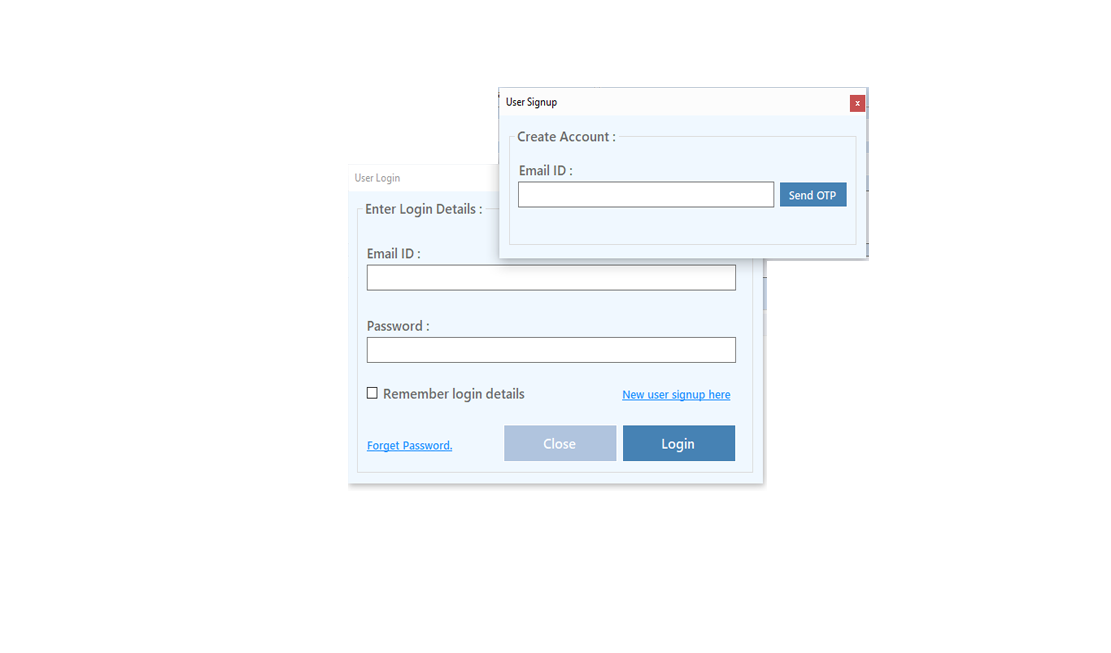
Click on New User Signup Link
Enter your Email and click on Send OTP Button
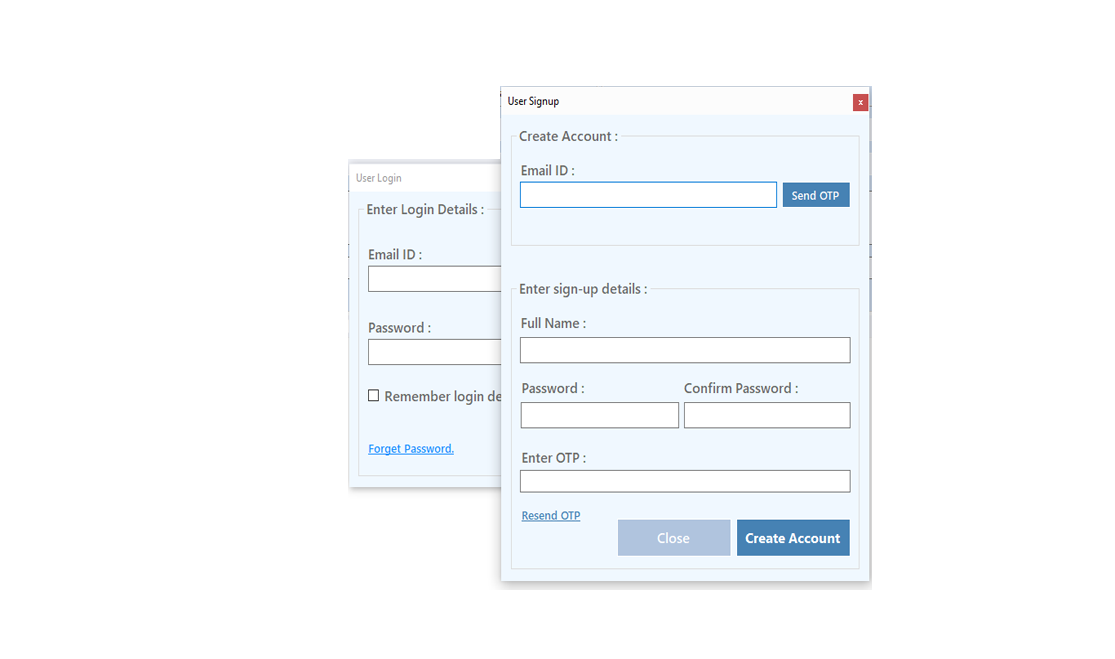
Enter OTP and Fill Details then click onCreate Account Button
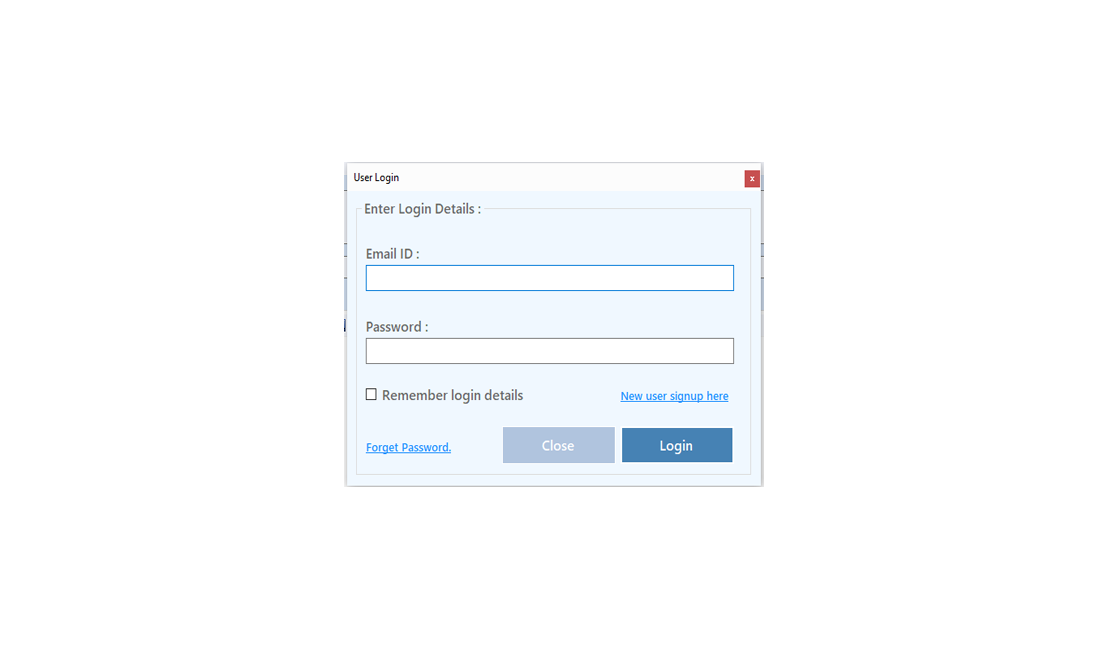
Step 2: Login Your Account
After Login you can Activate your license. The License will Assigned on the Email and always will work with that email.You can't assign license to other email after activation.
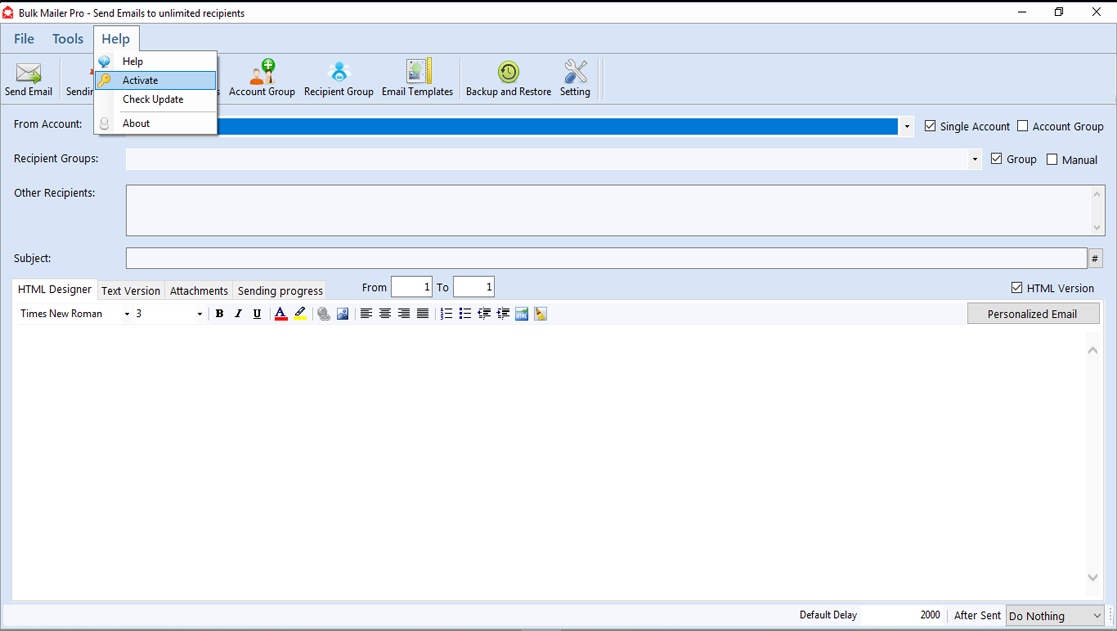
Step 1: Visit Help Menu and Select Activate
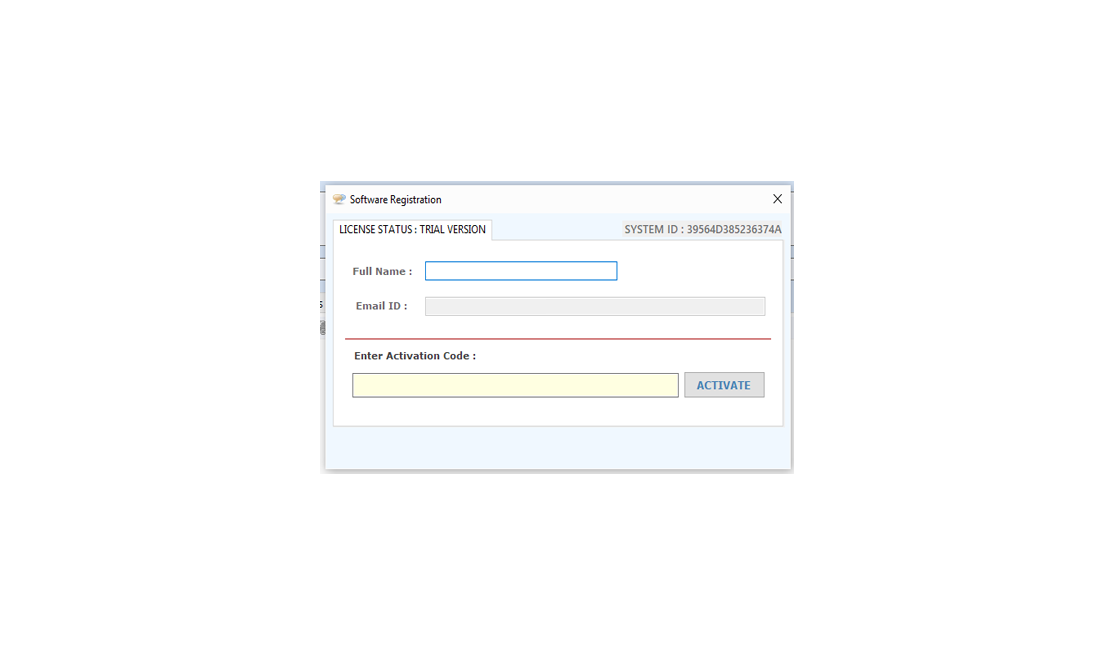
Step 2: Enter the License Key then Click on Activate Button
Following steps should be done:
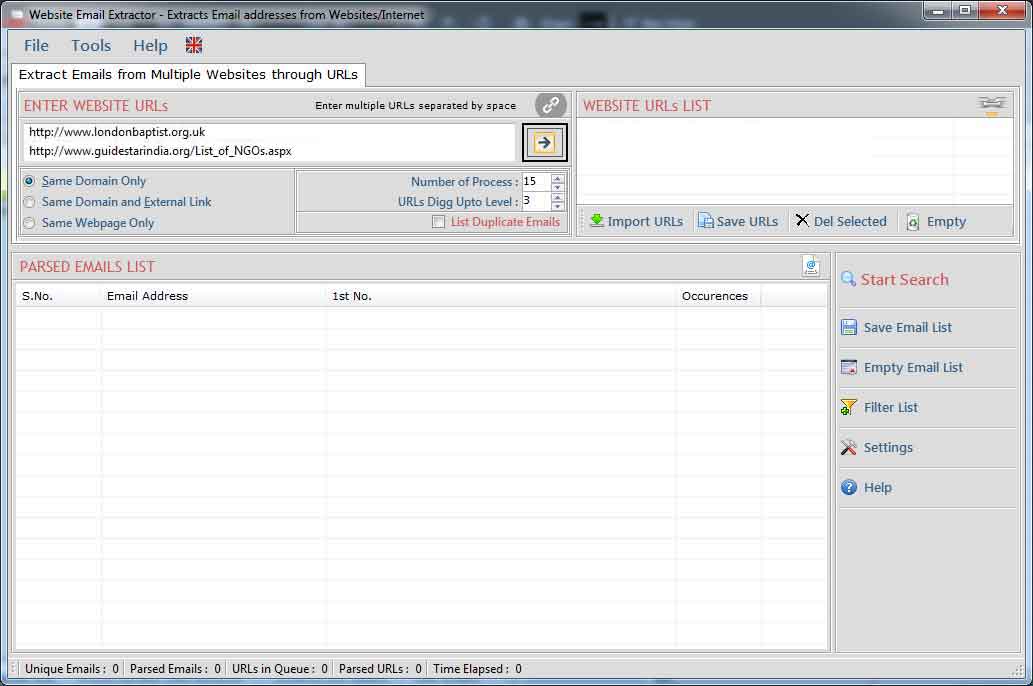
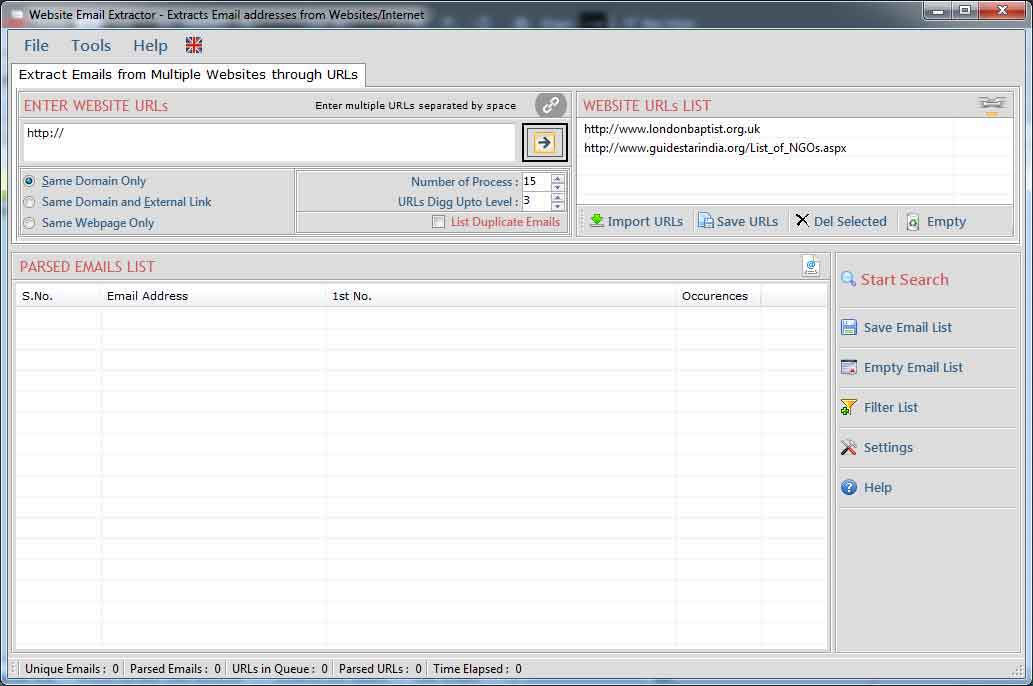
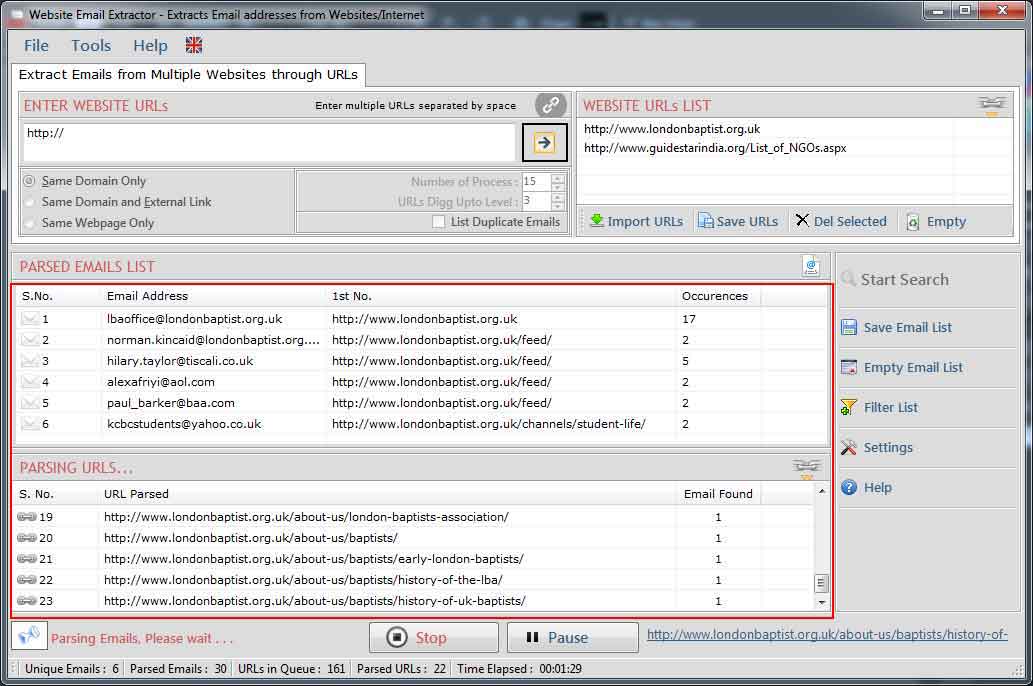
Settings window is use to add/edit restricted words in url and email addresses.
Following steps to be done for changing settings:
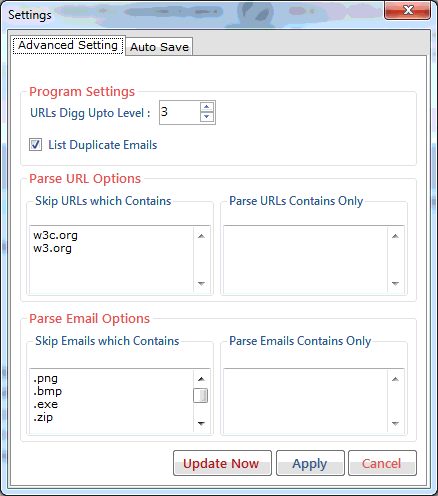
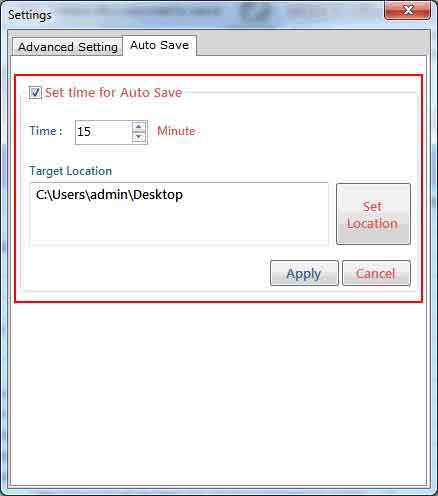
Following steps to be done for Auto Save settings:
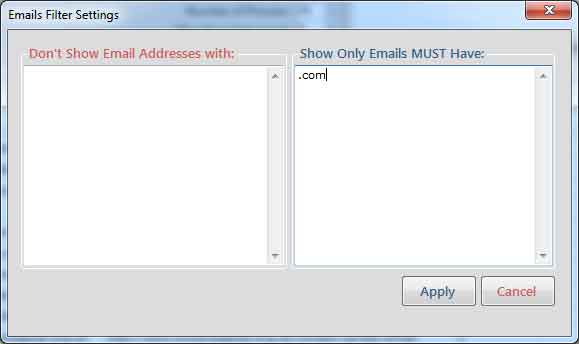
Filter allow you to show/hide the email addresses corresponding to your keywords. use filter operation by click "Filter" button. by using this feature you can see the actual emails list that you want.
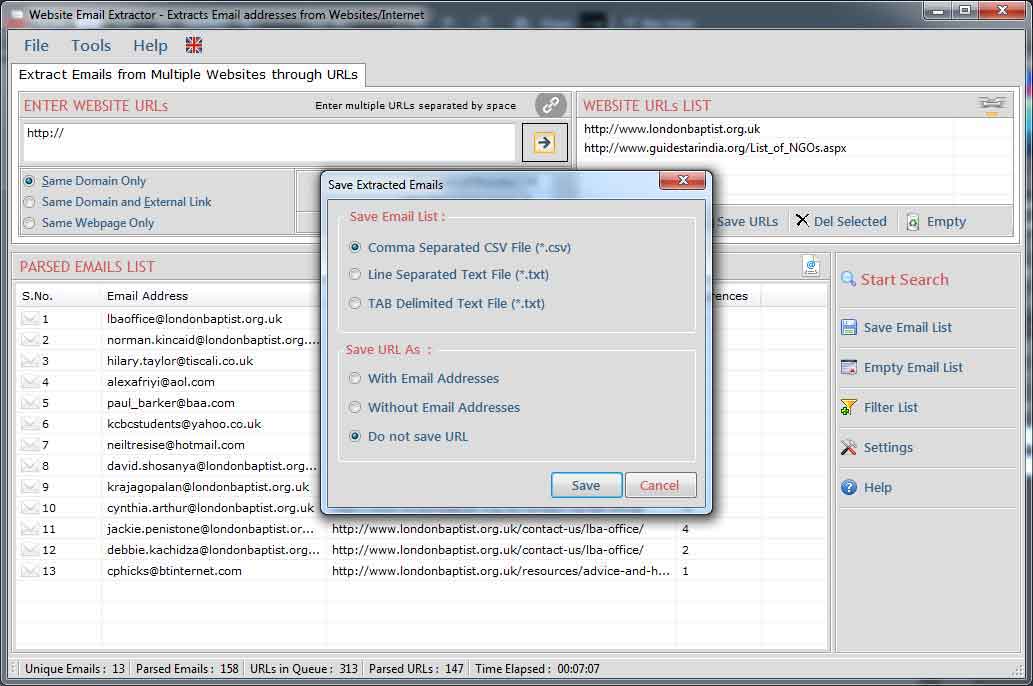
Extracted Email Addresses can be saved in .CSV(Excel Format)/.txt/ new Line format.
URLs from where email addresses extracted can also be saved with or without email addresses. by click "Save" button.
Visit: https://neurane.com/user/ Now Login
Step 1 : Click on License Panel -> Manage License
Step 2 : Find License Key and then Click on Deactivate


Copyright © Technocom